Want to learn how to use AI for studying without turning your brain off in the process?
Let AI handle the slow, boring setup, like making flashcards, building a quiz, or breaking down a confusing chapter, then do the actual thinking yourself. Used that way, AI is like a tireless study buddy who preps your materials in seconds. Used the wrong way, it quietly does your learning for you, and you find out on exam day.
You’re far from alone in trying this. By 2025, roughly nine in ten students said they use AI in their studies, according to the Digital Education Council, with more than half using it every week. So the question isn’t whether to use it. It’s how to use it so you come out sharper, not dependent.
What AI is genuinely good at when you study
Think of AI as a fast assistant, not a substitute for your effort. It shines at the parts of studying that eat your time but don’t build much learning on their own.
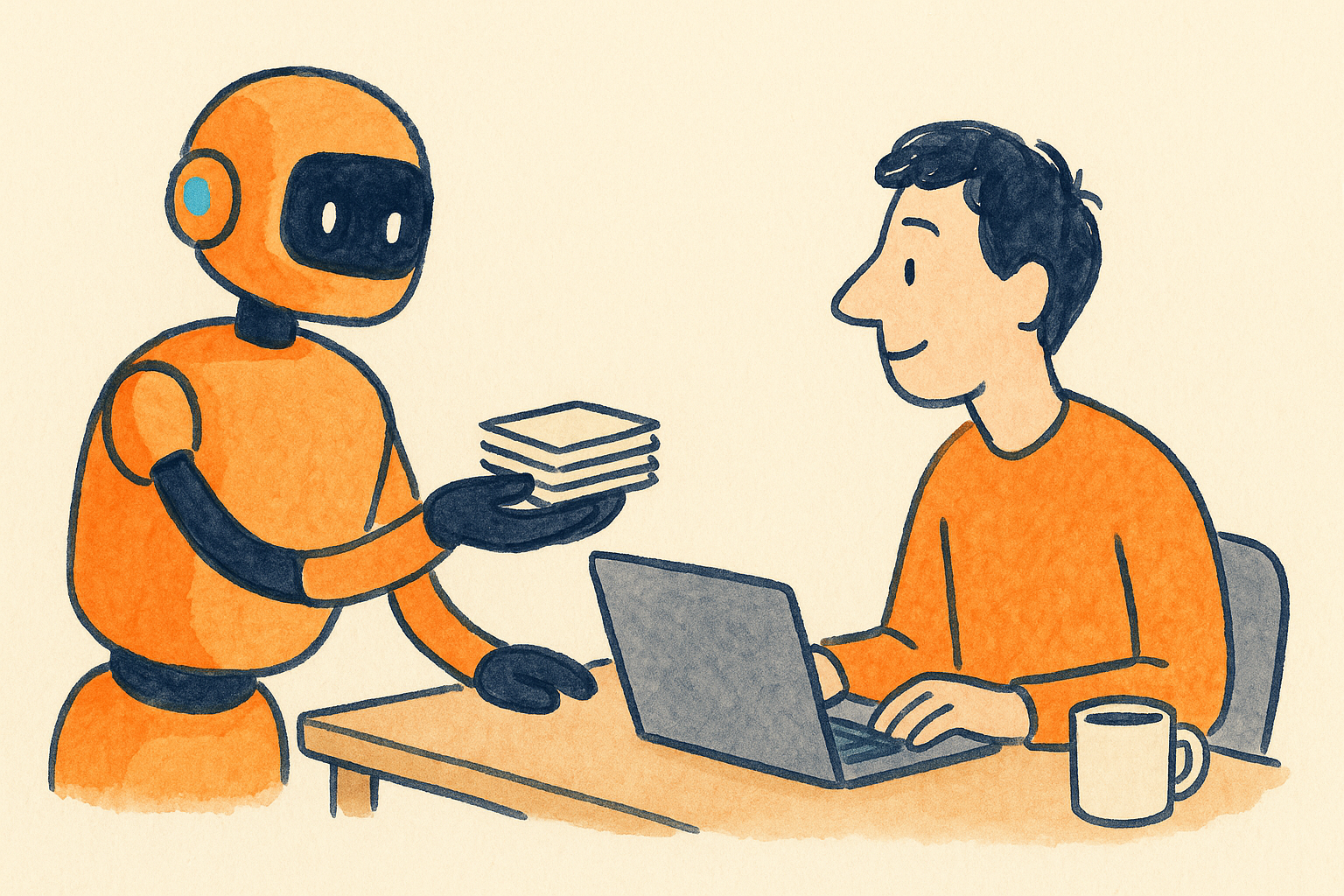
It can turn a 40 page reading into a one page summary. It can write 30 flashcards from your notes in under a minute. It can spin up a practice quiz, explain a hard idea three different ways until one clicks, or act as a patient tutor at 11pm when nobody else is awake. These are setup and support tasks, and that’s exactly where AI belongs.
What it’s bad at is being right all the time. AI tools still make things up, a problem researchers call hallucination, so a made up date or a wrong formula can slip into your notes and you’d never know. Treat every fact it gives you as a draft to check, especially numbers, quotes, and citations.
How to use AI for studying, step by step
Here’s a workflow you can run for almost any subject. The trick is that AI does the prep and you do the recall.
1. Turn your notes into flashcards
Paste your notes or upload a reading and ask for a set of question and answer flashcards on the key terms and ideas. Modern tools can generate a few dozen cards from a long PDF in about two minutes, work that used to take an hour by hand.
Then do the step most people skip: spend ten minutes editing the cards before you study them. Fix anything wrong, cut the fluff, and add the details your teacher stressed. That quick review is itself a first pass of learning, and it catches the errors AI leaves behind.
2. Build practice tests, then take them cold
Ask AI to write a short practice test from your material, a mix of multiple choice and a couple of short answer questions. Take it with your notes closed. Then have the tool grade you and explain every miss.
This matters more than it looks. Decades of learning research point to self testing as the single most effective way to study, ahead of rereading or highlighting. AI just makes it fast to build a fresh test whenever you want one.
3. Use it as a tutor for the stuff you don’t get
When a concept won’t stick, ask AI to explain it like you’re twelve, then ask for a real world example, then ask it to quiz you on it. Going back and forth beats reading a paragraph over and over. A good prompt is simply, “I keep getting this wrong. Ask me questions until you find the gap in my understanding.”
4. Summarize long readings, then write your own version
Have AI condense a dense chapter into the main points so you know the shape of it. Here’s the honest part: reading its summary is not studying. After you read it, close the tab and write the summary again from memory in your own words. The gap between what you remember and what AI wrote shows you exactly what to review.
5. Let it plan your study schedule
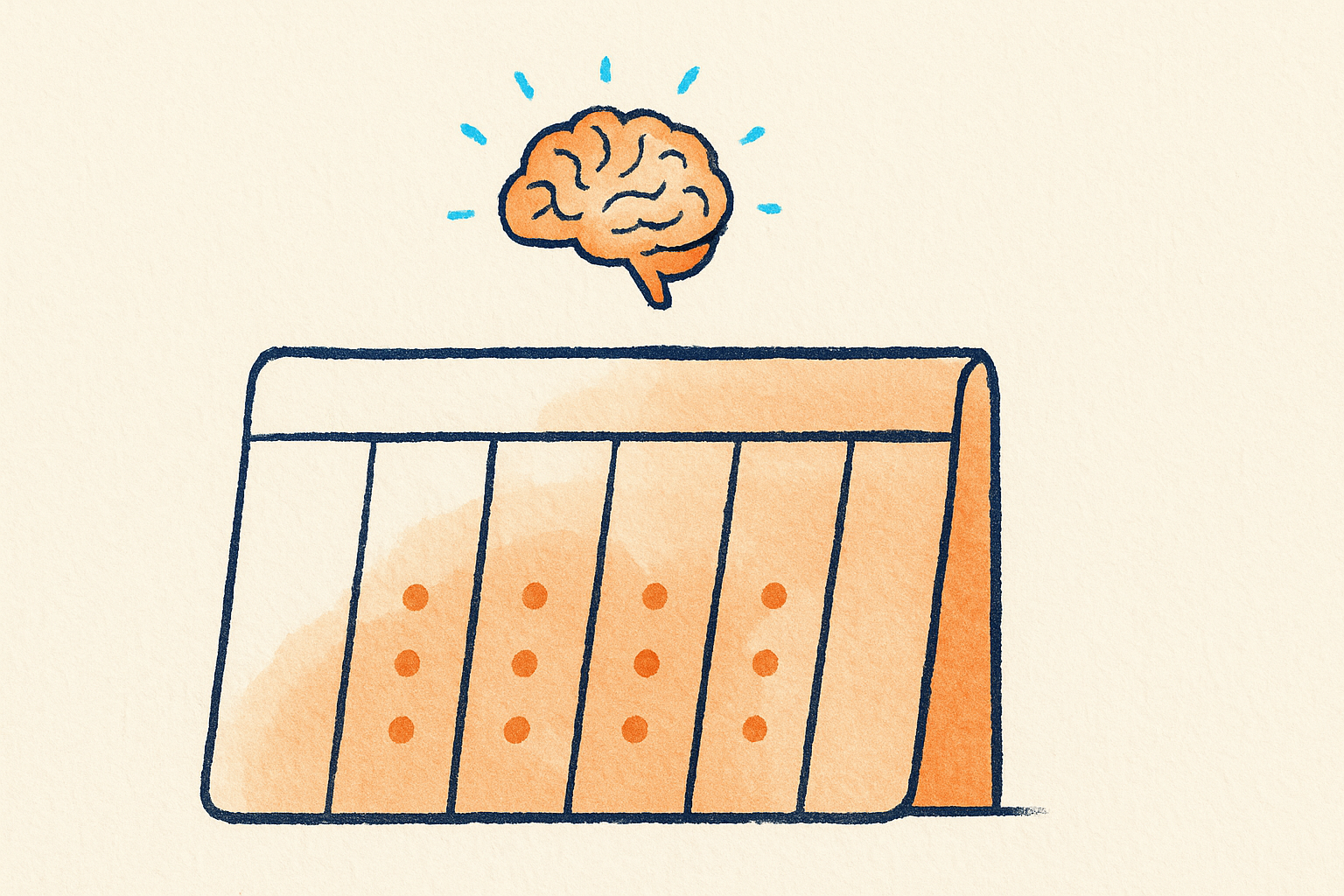
Tell it your exam date, the topics, and how many hours you have, and ask for a spaced out review plan. Spacing your sessions across several days instead of cramming is one of the best supported findings in learning science, and AI is good at building that calendar for you so you don’t have to.
Pair AI with the study methods that actually work
Knowing how to use AI for studying is really about knowing which method to point it at. Two techniques beat almost everything else, and they’ve held up across decades of studies.
Active recall means pulling information out of your head instead of rereading it. Flashcards and practice tests are recall in action. Spaced repetition means reviewing that material over several days with gaps in between, so each review lands right as you’re about to forget. A large 2026 review of more than twenty thousand learners found spacing produced a big improvement over studying the same amount in one block.
Notice the pattern. AI is great at making recall material and scheduling the spacing. It cannot do the recalling for you, and that’s the whole point. The work that feels hard, digging an answer out of memory, is the work that makes it stick.
Where studying with AI turns into cheating
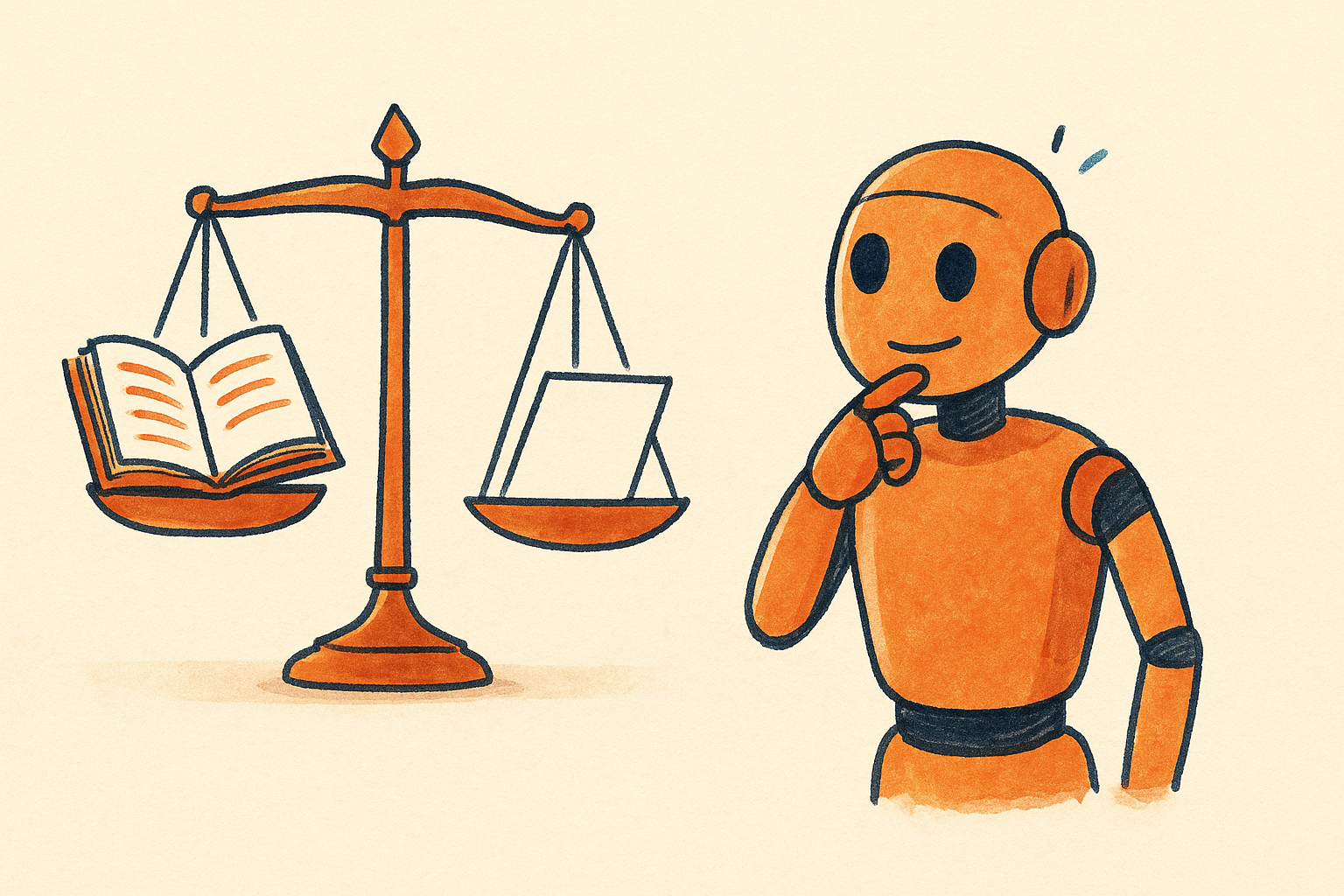
The line isn’t always obvious, so here’s a simple test. If AI helps you understand the material, you’re studying. If AI produces the thing you’re supposed to hand in, you’re cheating. Same tool, opposite outcomes.
Asking it to explain a proof is studying. Pasting the take home problem and copying the answer is not. Having it quiz you on French verbs is studying. Having it write your essay is not. Most schools now have written AI policies, and many run AI detectors on submitted work, so the risk is real. When you’re unsure, ask your instructor what’s allowed. It’s a much better conversation to have before you submit than after.
There’s a quieter risk too, and students feel it. By late 2025, about two in three students agreed that leaning on AI for schoolwork could hurt their own critical thinking, according to a RAND survey, a jump of more than ten points in under a year. Researchers call the trap cognitive offloading: when you let the tool do the thinking every time, the thinking muscle gets weaker. The fix is to make AI set up the work and then do the hard part yourself.
A simple weekly routine
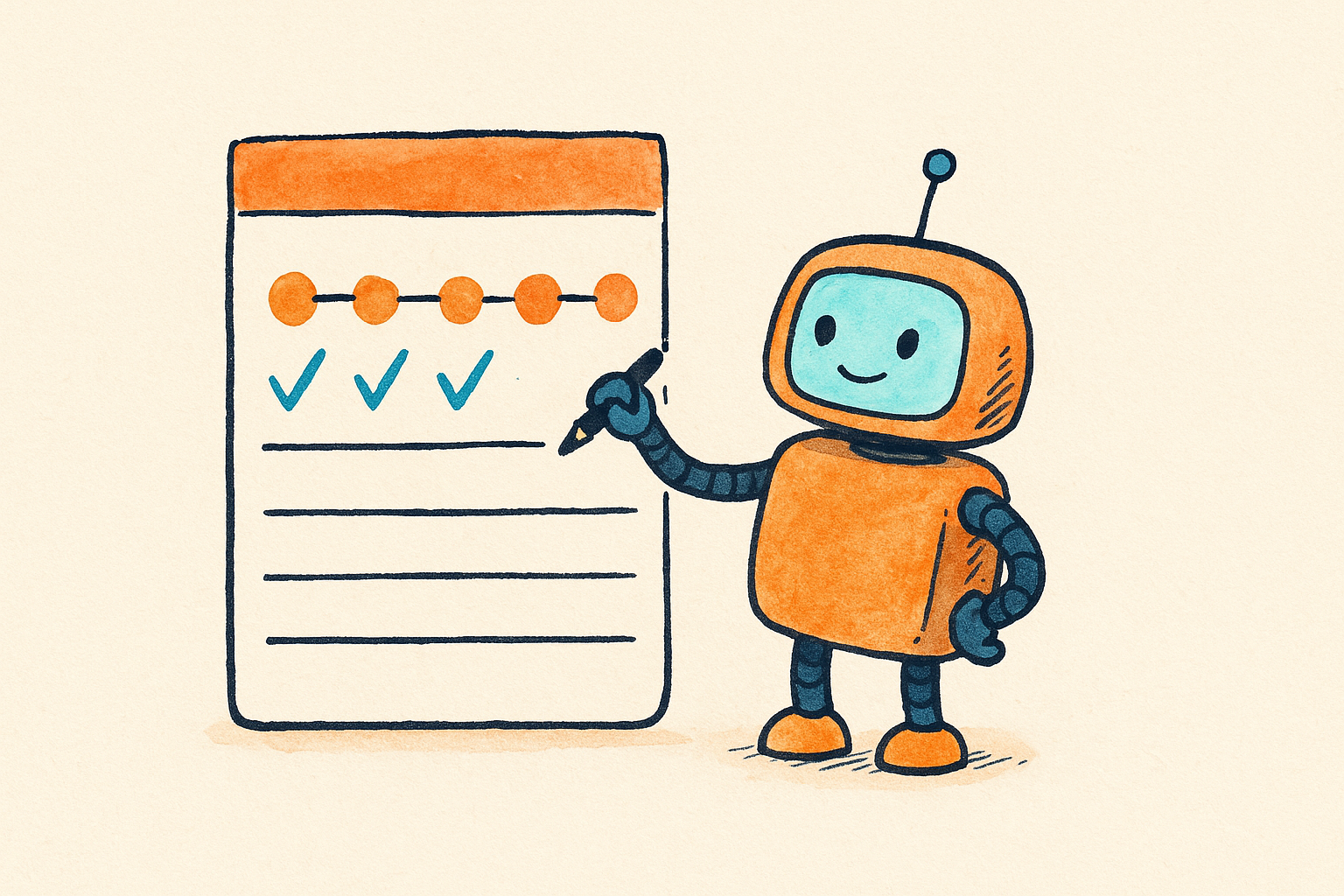
Put it together and a week might look like this. After each class, drop your notes into an AI tool and have it make flashcards, then edit them for ten minutes. Midweek, take a short AI built practice test with everything closed and review your misses. On the weekend, ask for a spaced plan for the coming week. Before any exam, do one last cold practice test and only reread the questions you got wrong.
That’s really the whole idea behind how to use AI for studying well. None of it hands your thinking to a machine. It just clears away the busywork so your study time goes to the part that counts. Once the routine is set, a subject that used to take a full evening to prep can be ready to review in about fifteen minutes, which leaves you more time to actually practice.
Key takeaways
- Use AI for the setup: flashcards, quizzes, summaries, explanations, and a study schedule. Do the recall yourself.
- Always edit what AI makes. It gets facts wrong, so check every date, number, and citation.
- Active recall and spaced repetition are the methods that work. AI is a tool to run them faster, not a shortcut around them.
- If AI produces what you turn in, that’s cheating. If it helps you understand, that’s studying.
- Know your school’s AI policy, and ask your instructor when you’re not sure.
Frequently asked questions
Is it cheating to use AI to study?
Not by itself. Using AI to make flashcards, quiz you, or explain a hard idea is studying. It becomes cheating when the AI writes or solves the work you submit for a grade. Check your course policy, since rules vary by school and even by class.
What is the best AI tool for studying?
There’s no single winner. General assistants like ChatGPT, Gemini, and Claude handle explanations and quizzes well, while dedicated study apps for students focus on flashcards and practice tests from your own files. Start with a free plan, see which fits how you work, and don’t pay until you know you’ll use it.
Can AI actually help me get better grades?
It can, if you point it at proven methods. AI that builds practice tests and spaces your review is supporting the techniques research says work best. AI that just hands you answers tends to leave you worse off when the exam is closed book.
Will using AI make me a lazy thinker?
It can if you let it do the thinking. The research on cognitive offloading is a real warning. Keep AI on setup duty and keep the recall, the problem solving, and the writing for yourself, and you get the speed without dulling the skill.
This article is general information, not academic or professional advice. AI tools and school policies change often, so confirm your own course rules before you rely on any tool.