If your school runs papers through Turnitin, you have probably seen the AI writing indicator and wondered what it actually means. This guide covers how to use Turnitin’s AI checker, how to read the score it gives, how far you can trust it, and what to do if honest work gets flagged. Students and instructors read that number for very different reasons, but the same rule holds for both. The score is a signal, not proof.
Turnitin added AI writing detection on top of its old similarity checker, so a submitted paper now gets two separate looks: one for matched text and one for likely AI writing. They are different scores that measure different things, and mixing them up is where a lot of confusion starts.
What the Turnitin AI checker actually measures
The AI indicator gives a percentage. That number is Turnitin’s estimate of how much of the text was likely generated or paraphrased by an AI tool like ChatGPT, Claude, or Gemini. A 40 percent result is the model saying it believes roughly that share of the writing looks machine made.
It helps to know what the score is not. It is not your plagiarism or similarity score, which measures overlap with existing sources. It is not a measure of quality, and it is not a judgment that you cheated. Turnitin is clear on this point in its own guidance: the tool provides data, and a human still has to interpret it.
The model works by breaking your writing into segments and scoring each one, then rolling those up into the overall percentage. So a paper can come back low even with a flagged paragraph or two, and a paper that reads as heavily templated can score higher than the writer expected.
How to use the Turnitin AI checker, step by step
For most people the honest answer is that you do not run it yourself. Access depends on who you are.
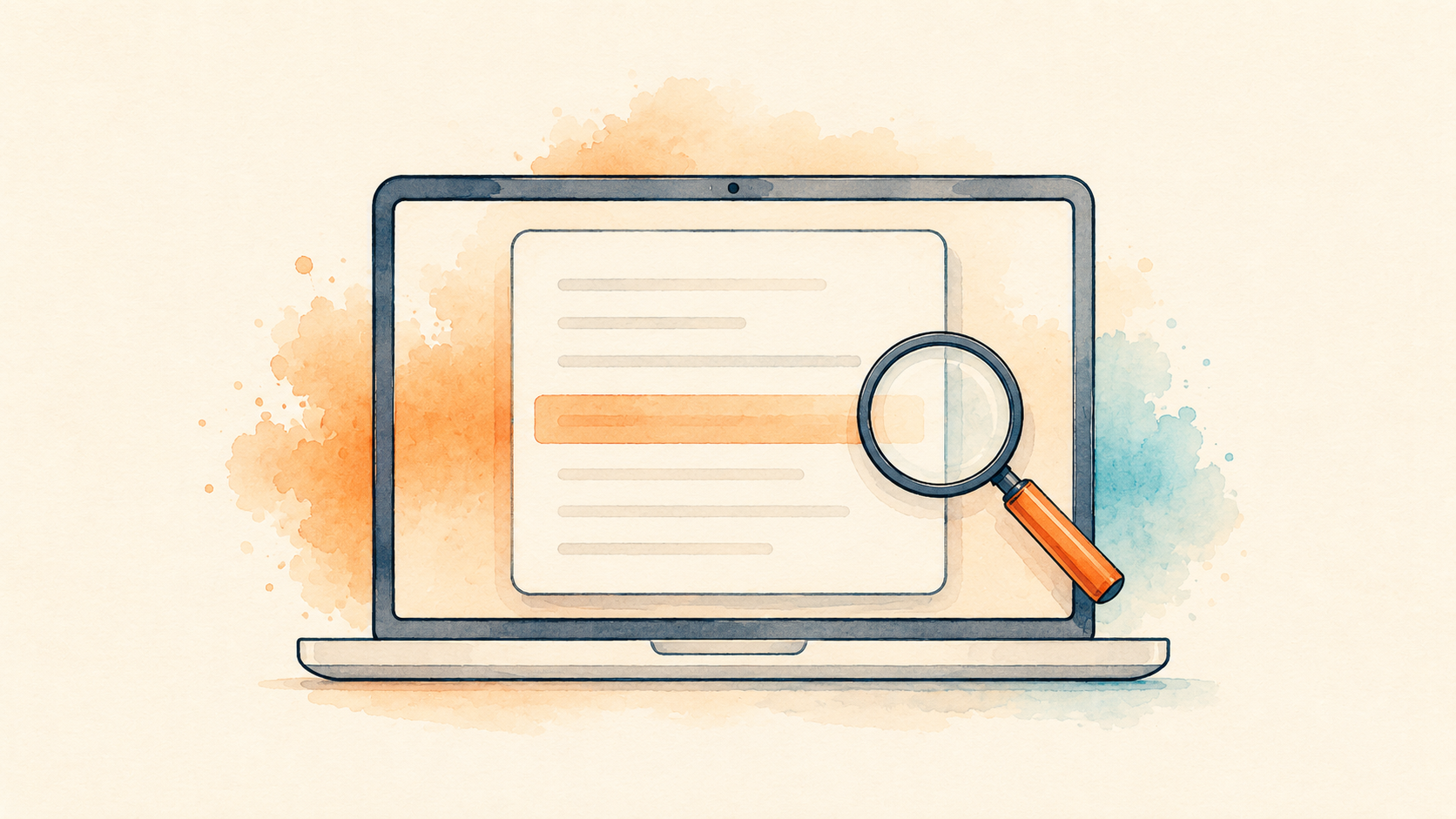
If you are an instructor, the AI writing report sits inside the same Turnitin submission view as the similarity report. Open the paper in Feedback Studio or your learning system, and the AI writing indicator appears alongside the similarity figure. Click it to open the full AI writing report, which highlights the passages the model believes are AI generated so you can read them in context instead of trusting a bare number.
If you are a student, here is the part that surprises people. You usually cannot see your own AI score at all. Turnitin does not show the AI writing indicator or report to students, even when your instructor lets you see the similarity report. The AI result is built for the instructor and the administrator, not for you.
That gap matters. It means you cannot check your own paper against Turnitin before you hand it in, and the paste it into a random online checker workaround is risky. Those third party sites are not Turnitin, they will not match its result, and some of them keep whatever you upload. If you want to gut check your own writing, keep your drafts and version history instead, which we will get to below.
How to read the AI score
The percentage looks precise, but Turnitin builds in a few guard rails that tell you how much weight to give it.
The big one is the asterisk. For any result between 0 and 20 percent, Turnitin flags the score with an asterisk because low percentages are the least reliable range and the most likely to be wrong. In plain terms, a small number there should be treated as noise, not a finding.
A higher percentage is not an automatic guilty verdict either. Turnitin states plainly that its model can misidentify text, including flagging human writing as AI, and that the score should never be the only basis for action against a student. Read the highlighted passages. If the flagged sentences are exactly the kind of plain, formulaic prose a careful human also writes, the number is telling you less than it seems.
How accurate is the Turnitin AI checker?
Turnitin’s public position is that the tool is highly accurate and that its false positive rate sits below 1 percent. That sounds reassuring until you do the arithmetic at scale. When Vanderbilt University explained why it turned the feature off in August 2023, it pointed out that even a 1 percent error rate across the tens of thousands of papers it processes each year means hundreds of students could be wrongly flagged. Vanderbilt was not alone. Several universities stepped back from the AI detector over the same reliability and fairness worries.
There is a known bias problem too. A widely cited 2023 Stanford study led by Weixin Liang tested AI text detectors and found they flagged writing by non native English speakers as AI generated far more often than writing by native speakers. The reason is uncomfortable but simple: people writing in a second language often use simpler, more predictable phrasing, and so does a chatbot, so the detector confuses the two. That study looked at detectors broadly rather than Turnitin alone, but the pattern is the core reason to treat any single AI score with caution.
Accuracy also drops once text has been edited or paraphrased. Turnitin itself has acknowledged that it tunes the model to miss some AI writing rather than risk more false alarms, which is a deliberate trade. The takeaway is not that the checker is useless. It is that it is a rough smoke detector, not a fingerprint.
What to do if you are falsely flagged
Being accused of using AI when you did not is stressful, and because you cannot see the score yourself, you are often reacting after the fact. The best defense is evidence that shows your work as it grew.
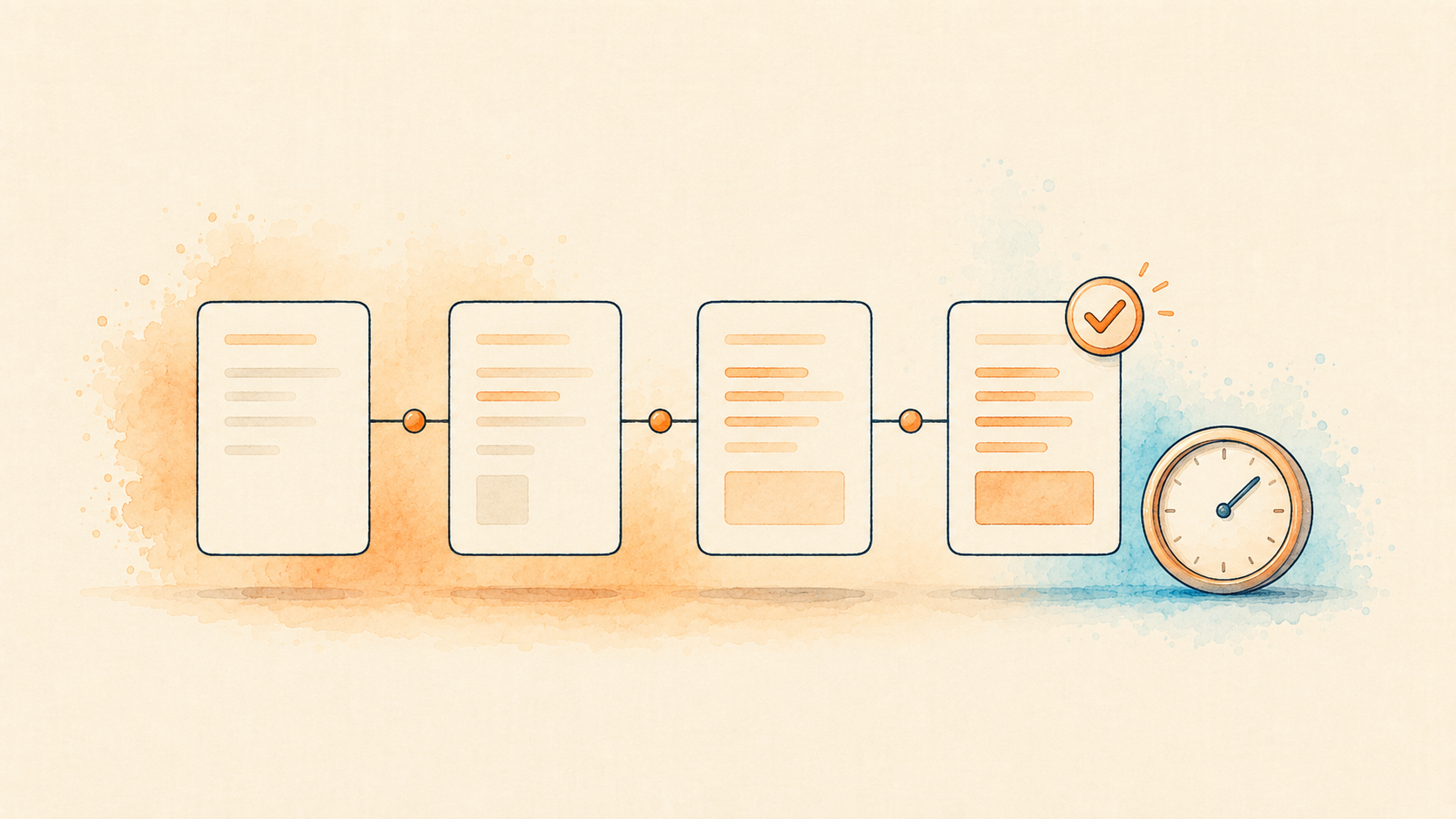
Keep your drafts. Write in a tool that saves version history, like Google Docs or Microsoft Word with autosave, so you can show the paper evolving over hours and days rather than appearing fully formed. That timeline is hard to fake and easy to explain.
Save your research trail too: your notes, your outline, the tabs and sources you pulled from, even messy early paragraphs. If you are asked about a flag, stay calm and ask to see the specific passages that were highlighted, then walk your instructor through how you wrote them. A student who can open their version history and talk through their own argument is making a case no percentage can outweigh.
If your school has an academic integrity process, use it, and lean on the fact that Turnitin’s own documentation says the score is not proof of misconduct. You are not arguing against the tool so much as reminding everyone how the tool is meant to be used.
For educators: using the score fairly
If you teach, the AI writing report is genuinely useful as a starting point, as long as you never let it be the finish line. Treat a high score as a reason to look closer, not a reason to accuse.
Open the report and read the flagged passages in context. Compare the writing to what you know of that student’s earlier work. Have a real conversation before anything goes on a record, and remember the built in caveats: the asterisk on low scores, the higher error rate for multilingual students, and Turnitin’s own line that the result should not stand alone. Some instructors now lean less on detection and more on process, asking for outlines, drafts, or a short conversation about the work, which sidesteps the whole accuracy problem.
Key takeaways
- The Turnitin AI checker gives instructors a percentage estimate of likely AI writing, separate from the plagiarism or similarity score.
- Students generally cannot see their own AI score, so keeping drafts and version history is your best protection.
- Scores from 0 to 20 percent carry an asterisk because that low range is the least reliable.
- Independent research shows detectors can misfire, especially on paraphrased text and writing by non native English speakers.
- The score is evidence to weigh, never proof on its own. Turnitin says so itself.
Frequently asked questions
Can Turnitin detect ChatGPT and Claude?
It tries to, and it often catches unedited AI writing from tools like ChatGPT, Claude, and Gemini. But it misses some, especially once the text has been reworded or edited by a person, so a clean report is not a guarantee either way.
Can I check my own paper on Turnitin before submitting?
Usually no. Turnitin does not show students the AI writing score, and some instructors do not enable a self check for similarity either. Pasting your work into an outside AI detector will not match Turnitin’s result and can expose your writing, so it is not a reliable substitute.
Can the Turnitin AI checker be wrong?
Yes. Turnitin’s own guidance says the model can misidentify both human and AI text, which is why it warns against using the score as the sole basis for any decision. That is the whole reason to keep your drafts.
How do I lower a false AI score honestly?
Write in your own voice, vary your sentences, and let your natural phrasing show, since flat and formulaic writing is what tends to trip the detector. Do not run your work through a humanizer tool to beat the checker. Fixing a real problem beats hiding a fake one, and your drafts are still your strongest evidence.
This article is general information about how Turnitin’s AI writing detection works, not legal or academic advice. Detection tools and school policies change, so check your own institution’s current rules and speak with your instructor or academic integrity office about your specific situation.