Here’s how to use AI for your job search without landing in the reject pile: treat it like a sharp assistant, not a ghostwriter. AI can tighten your resume, surface the right keywords, draft a cover letter you then rewrite in your own voice, and run you through mock interviews at midnight. What it can’t do is fake your actual experience or your reasons for wanting the job. The people getting hired in 2026 use AI to move faster and prepare harder, then add the parts a machine never could.
That balance matters more than it used to. Over the past year, applications submitted through LinkedIn jumped more than 45 percent, and in one month the platform clocked an average of 11,000 applications per minute. Recruiters are drowning. When everyone runs the same tools, the generic AI resume and the copy paste cover letter start to blend together. So the goal isn’t to use AI more than the next person. It’s to use it better.
Start with the job description, not your resume
Most people open their old resume and start tweaking. Flip it. Paste the full job description into your AI tool first and ask it to pull out the core skills, the must have qualifications, and the exact language the company uses. Companies rarely say “communication skills” and “stakeholder alignment” in the same posting. The words they pick are the words their screening software is tuned for.
Then ask a sharper question: “Based on my resume below, what are the three experiences most relevant to this role, and which required skills am I missing?” That answer is your roadmap. It tells you what to lead with and what gaps you may need to address in the cover letter or interview.
How AI actually reads your resume now
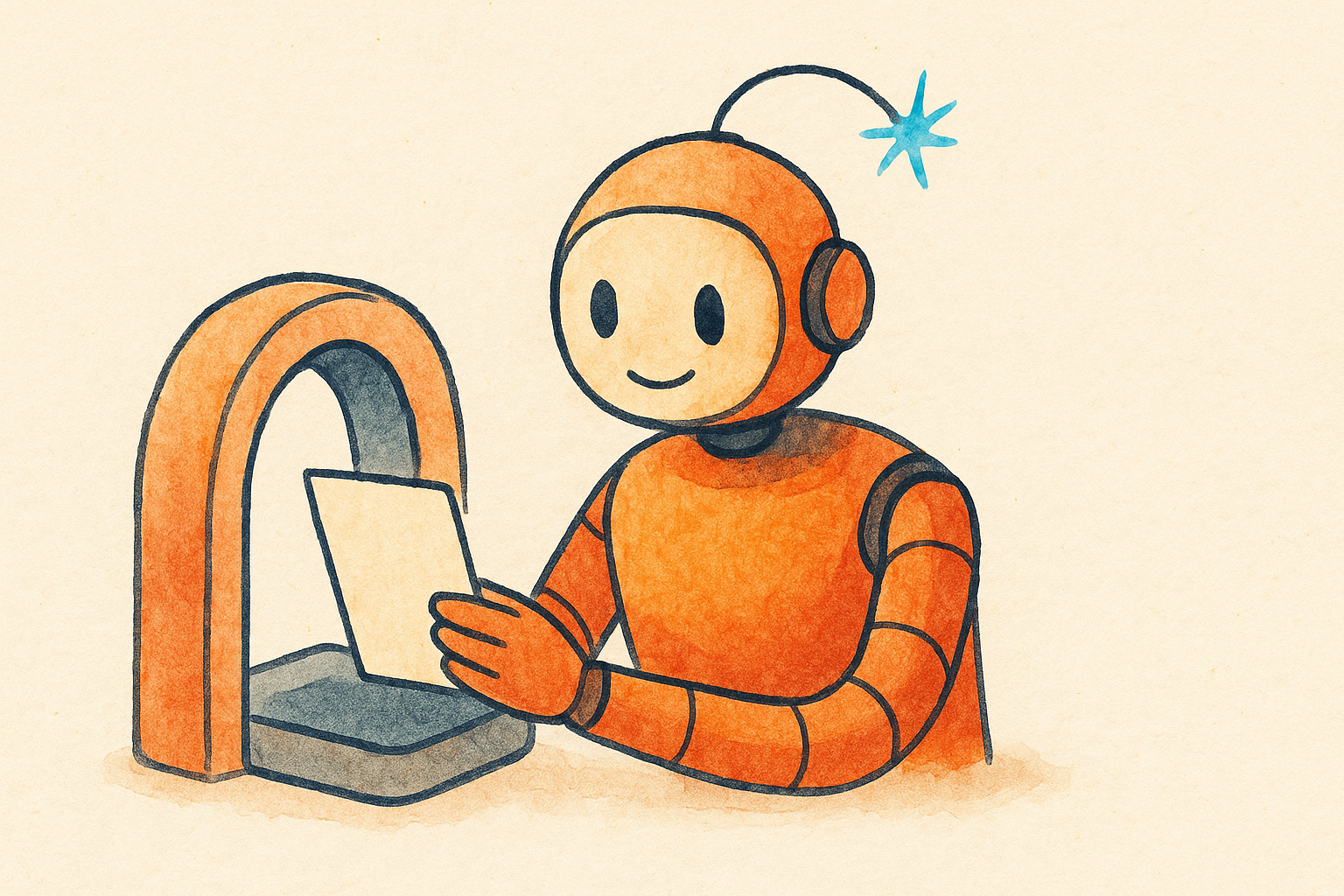
In most 2026 hiring pipelines there are two gatekeepers, not one. The first is the classic applicant tracking system, or ATS, which parses your file into fields like name, job titles, dates, and skills, then matches them against the posting. The second is newer: a language model that reads your resume, summarizes it, scores it against the role, and sometimes drafts notes for the recruiter. Platforms like Workday, Greenhouse, and Ashby have all shipped features along these lines.
What this means for you is simple. Your resume has to make sense to a parser and to a reader. Use standard section headings, a clean single column layout, and real words instead of graphics. Mirror the skills and titles from the posting where they honestly apply to you.
One warning worth taking seriously. The old trick of hiding keywords in white text or stuffing a skills section with terms you can’t back up is now actively flagged as manipulative. Keyword stuffing can get your application quietly killed, so match the job’s language only where it’s true.
A quick way to check your resume match
Free tools like Jobscan compare your resume to a specific job description and give you a match score plus a list of missing keywords. Aim for a solid match in the middle range rather than a perfect one. A resume that mirrors every phrase word for word looks engineered, and it reads that way to a human too. Add the terms that reflect skills you genuinely have, then stop.
Write cover letters with AI, not for AI
The cover letter is where AI helps most and hurts most. It helps because a blank page is intimidating and AI is great at getting a rough draft on the screen. It hurts because the default output sounds like every other default output: vague enthusiasm, “I am deeply passionate about,” and prose so smooth it feels hollow.
Recruiters have read thousands of these. In one 2025 survey of 600 hiring managers, nearly one in five said they’d reject an application that read as fully AI generated. That’s the risk you’re managing.
Here’s a workflow that keeps the speed without the tell. Ask AI to analyze the role and your fit, not to write the letter. Take its list of your strongest matches and write the opening yourself, with one real detail: a project you shipped, a number you moved, a problem you fixed. Then let AI tighten your draft for clarity and length. Keep it to 300 to 400 words, because shorter letters get read and long ones get skimmed.
The specific thing AI can’t invent is the reason you, specifically, want this job at this company. Write that sentence yourself. It’s usually the line that lands.
Use AI to research the company before you apply
This is the step people skip, and it’s a fast win. Ask AI to summarize what a company does, who its customers are, recent news, and the likely priorities of the team you’d join. You can paste in their careers page, a recent press release, or a product page and ask for the plain version.
Two payoffs. Your cover letter can reference something real about the company instead of generic praise. And you walk into the interview already fluent in their world, which is exactly what “did their homework” looks like from the other side of the table.
Practice interviews with AI until your answers are sharp
Mock interviews used to require a friend with time and patience. Now you can run them on demand. Free options like Google’s Interview Warmup ask common questions and let you practice out loud, and a range of newer tools simulate a full conversation, record your answers, and give feedback on pacing, filler words, and whether you actually answered the question.
The best way to use these is boring and effective. Feed the tool the job description and your resume, then have it ask the questions that role would actually get. Practice your stories about real projects until you can tell them without rambling. AI is a good sparring partner here precisely because it doesn’t get tired of your fourth attempt.
Prep your specific examples in advance. A clean structure helps: the situation, what you did, and the result. AI can help you shape a story you already lived into something tight, but the story has to be yours.
What not to hand over to AI
A few lines you shouldn’t cross. Don’t let AI invent experience, inflate titles, or claim skills you don’t have. It will get exposed in the interview, and increasingly the screening layer is built to notice inconsistencies. Don’t fire off mass applications with an auto apply bot, either. That’s a big part of why recruiters are overwhelmed and why trust in hiring has dropped, and it rarely gets you a job you actually want.
And don’t submit anything you haven’t read closely. AI makes mistakes, mixes up details between drafts, and sometimes writes lovely sentences that aren’t true about you. You’re the one who signs it.
How to use AI for your job search, step by step
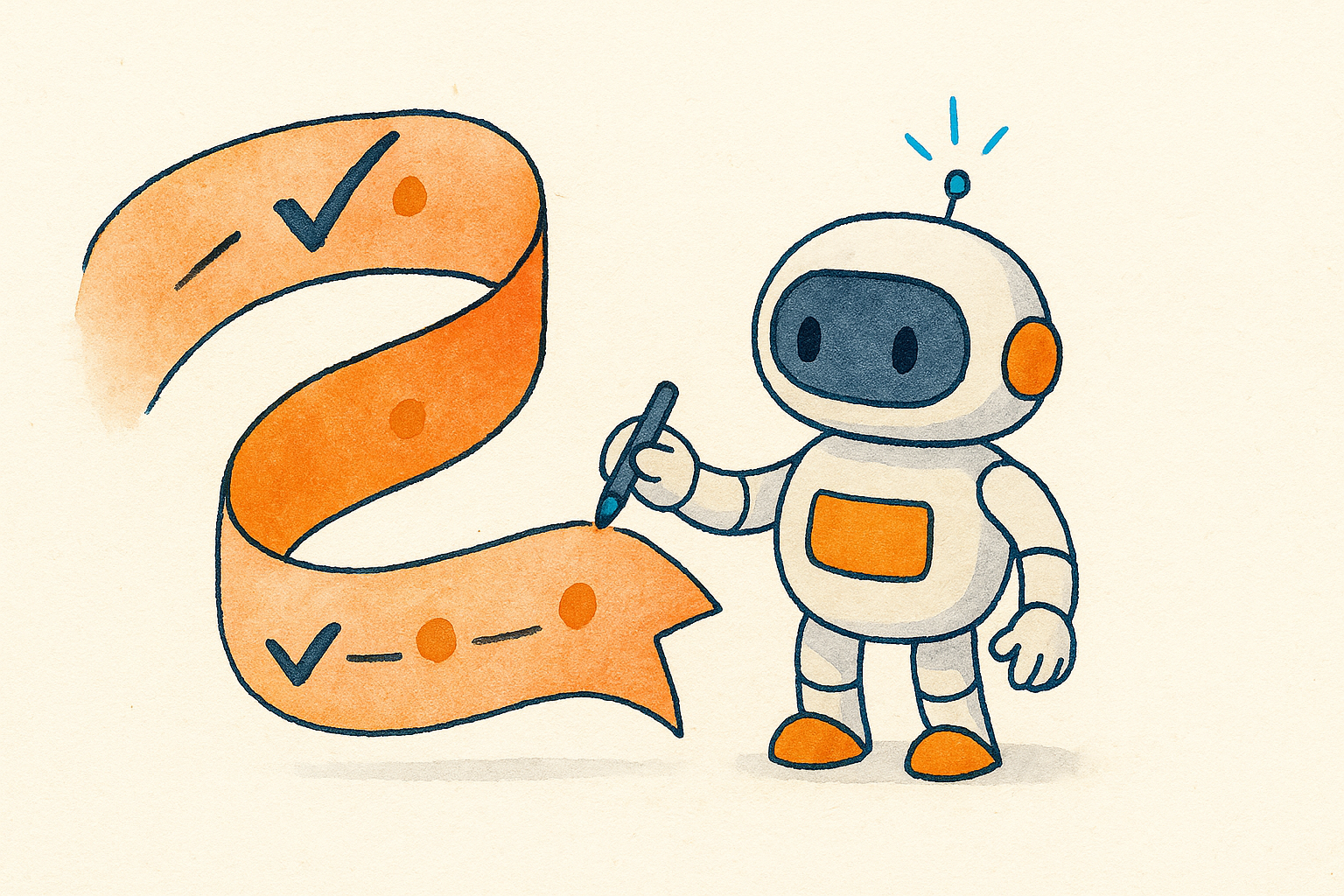
Put it together and one tailored application looks like this. Paste the job description into AI and pull the key skills and language. Ask which of your experiences fit best and what’s missing. Update your resume to reflect that, honestly, and check the match with a free scanner. Draft the cover letter opening yourself, let AI tighten it, keep it short. Research the company. Run two or three mock interview rounds before the real one.
Done by hand, tailoring one application can eat 30 to 45 minutes. With a workflow like this, most people cut it well under 15 while turning out better work. That’s the real prize: not cutting corners, but spending your saved time on the parts that decide who gets hired.
Key takeaways
- Use AI to analyze the job and sharpen your materials, then write the human parts yourself.
- Modern hiring runs two filters: a keyword parser and an AI reader. Write for both with clean formatting and honest, matching language.
- Never stuff keywords or hide text. It’s detected and it backfires.
- Keep cover letters to 300 to 400 words and lead with one real, specific detail.
- Practice with AI mock interviews using the actual job description, and prep your real stories in advance.
Frequently asked questions
Can employers tell if I used AI on my application?
Sometimes. There’s no reliable AI authorship detector built into the major tracking systems, but experienced recruiters recognize the patterns: vague enthusiasm, hollow phrasing, and prose that’s too polished to feel personal. The fix isn’t hiding your AI use. It’s making sure the final writing sounds like you and says something specific.
Will using AI hurt my chances?
Only if you let it write the whole thing and send it untouched. Used as a research and editing partner, AI helps you apply faster and prepare better. Used as a ghostwriter, it produces the same generic application everyone else is sending.
What’s the single best use of AI in a job search?
Interview practice. It’s low risk, endlessly repeatable, and it targets the moment that actually decides the offer. A resume gets you in the room, but your answers get you the job.
Is it worth paying for AI job search tools?
Usually not at the start. A general assistant plus a free resume scanner and a free interview practice tool cover the essentials. Pay for something only once you’ve found a specific gap those free options can’t fill.
This article is general information to help with your job search, not career or legal advice. Company hiring practices and tools change, so verify anything specific to a role or employer before you rely on it.